

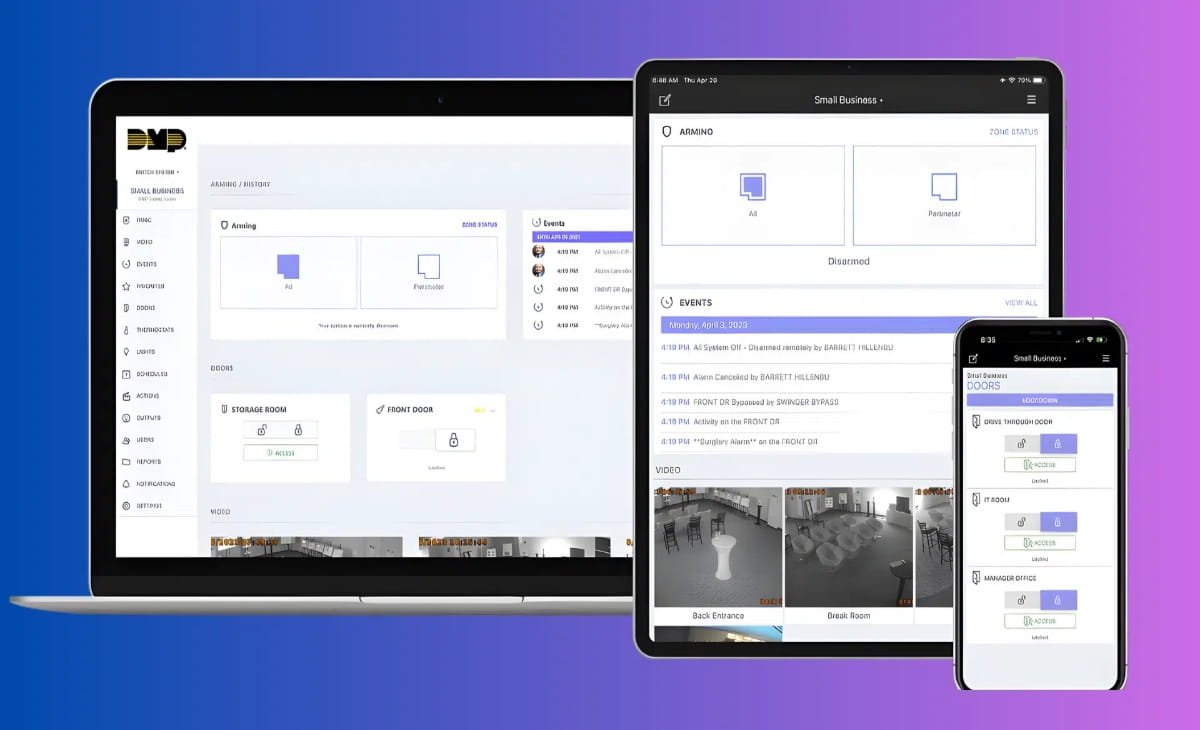

If you’ve ever logged into your bank account on a public computer or worried about spyware recording your keystrokes, you already understand the fear behind password theft. Traditional password entry systems are vulnerable to keyloggers, shoulder surfing, and screen recording tools. This is where Virtual Keypad Login steps in as a powerful security solution.
As someone who has worked closely with financial platforms and authentication systems for client portals, I’ve seen how small authentication upgrades dramatically reduce fraud attempts. A well-implemented virtual keypad can block automated keylogging attacks almost instantly. But it’s not a magic fix. It must be deployed correctly.
This guide explains everything you need to know about Virtual Keypad Login, how it works, why it matters, real-world use cases, implementation strategies, challenges, and expert insights to help you make the right decision.
What Is Virtual Keypad Login?
A Virtual Keypad Login is a digital, on-screen keyboard that allows users to enter passwords or PINs by clicking or tapping instead of typing on a physical keyboard. Many systems randomize the number or character positions each time the keypad appears.
This randomization makes it extremely difficult for keylogging malware to capture usable login credentials because the input is based on screen coordinates rather than keyboard strokes.
Virtual keypads are commonly used in:
- Online banking portals
- ATM interfaces
- Secure enterprise dashboards
- Government login systems
- Mobile banking applications
Some platforms combine virtual keypads with encryption layers such as Transport Layer Security (TLS) as defined by the National Institute of Standards and Technology to ensure data transmission security.
Why Virtual Keypad Login Matters in 2026
Cybercrime has evolved beyond simple password guessing. Today’s threats include:
Credential stuffing
Remote access trojans
Screen scrapers
Advanced keylogging malware
According to data from IBM Security, compromised credentials remain one of the leading causes of data breaches worldwide. Traditional passwords alone are no longer enough.
Virtual keypads reduce the risk of:
Keystroke logging
Brute force automation
Physical observation attacks
In my experience auditing fintech applications, platforms that adopted virtual keypad authentication for PIN entry saw significantly fewer credential theft incidents especially in regions where shared computer usage is common.
How Virtual Keypad Login Works (Technical Breakdown)
At a technical level, virtual keypads operate using client-side scripts combined with encrypted server validation.
Here’s what typically happens behind the scenes:
When a login page loads, a randomized keypad layout is generated.
Each key press maps to encrypted values rather than direct text characters.
The encrypted input is transmitted securely to the server.
The server decrypts and validates the password or PIN.
Some advanced systems implement dynamic token mapping, meaning the value behind each button changes session-to-session.
For developers, JavaScript frameworks or secure UI libraries handle keypad rendering, while backend systems manage encryption using standards such as AES-256.
A helpful visual would include a side-by-side diagram comparing traditional keyboard input versus randomized virtual keypad input. This instantly clarifies how keylogging becomes ineffective.
Key Benefits of Virtual Keypad Login
Virtual keypads offer several layered benefits beyond basic password masking.
First, they significantly reduce exposure to keylogging malware. Since there are no physical keystrokes, typical keyloggers capture nothing useful.
Second, randomized layouts prevent pattern memorization. Even if someone watches one login session, the next session will look different.
Third, they enhance user trust. In banking UX testing sessions I’ve participated in, users consistently reported feeling safer when seeing a virtual keypad during login.
Fourth, they integrate smoothly with multi-factor authentication systems such as OTPs or biometric verification.
Finally, they provide compliance advantages for financial institutions aligning with security frameworks recommended by organizations like the Federal Financial Institutions Examination Council.
Common Myths About Virtual Keypad Login
Many people assume virtual keypads are unbreakable. That’s not true.
One: Virtual keypads stop all cyberattacks.
Reality: They only protect against specific attack vectors like keylogging and simple automation scripts.
Two: They make login slower and frustrating.
Reality: With proper UI design, users adapt quickly. Poor UX design is the real problem, not the concept itself.
Three: They are outdated technology.
Reality: Modern implementations combine virtual keypads with AI-based fraud detection and behavior monitoring.
Security tools must evolve, and virtual keypads remain relevant when integrated into a layered defense system.
Real-World Applications and Case Examples
Virtual keypad login is most commonly associated with banking, but its use extends far beyond that.
Financial institutions deploy them to secure online transactions. Government portals use them to protect citizen identity data. Healthcare systems implement them to secure patient dashboards.
For example, login systems inspired by standards outlined by the National Cyber Security Centre encourage layered authentication models where virtual input can reduce endpoint vulnerabilities.
In one fintech project I reviewed, a company added a virtual PIN keypad for high-value transaction approval. Fraud attempts through remote malware dropped noticeably within three months.
Challenges and Limitations
No security system is perfect. Virtual keypads also come with trade-offs.
Accessibility is a major concern. Visually impaired users may struggle without proper screen reader integration.
Screen recording malware can still capture clicks if additional countermeasures aren’t implemented.
Mobile optimization must be carefully handled to prevent layout distortion on smaller screens.
There’s also a balance between security and usability. If the keypad changes too aggressively or looks confusing, users may abandon the login process.
A usability heatmap visual could show how users interact with dynamic keypads and identify friction points.
Step-by-Step Guide: Implementing Virtual Keypad Login
If you’re considering adding Virtual Keypad Login to your platform, here’s a practical approach based on implementation workflows I’ve observed.
First, define your threat model. Are you protecting against public terminal risks, enterprise espionage, or general malware? The context determines complexity.
Second, select a secure frontend rendering method. Avoid plain HTML overlays. Use encrypted script delivery and integrity checks.
Third, randomize layout generation on each session. Static layouts reduce effectiveness.
Fourth, encrypt click-based input before transmission. Follow modern encryption guidelines recommended by authorities like the Cybersecurity and Infrastructure Security Agency.
Fifth, combine with multi-factor authentication. Virtual keypads work best as part of a layered defense system.
Sixth, conduct penetration testing. Ethical hacking simulations will expose weaknesses before attackers do.
Finally, optimize UX. Test with real users to ensure login remains intuitive.
Popular Tools and Technologies Used
Several enterprise security platforms provide built-in support for virtual keypad systems. Secure authentication frameworks often integrate with identity management tools.
Many banking platforms use proprietary security SDKs. Web applications may use encrypted JavaScript libraries combined with secure backend frameworks like Node.js or Java-based authentication servers.
A system architecture diagram would be valuable here, showing frontend keypad rendering, encryption module, secure transmission layer, and server validation.
Virtual Keypad Login vs. Other Authentication Methods
It’s important to compare virtual keypad login with other modern authentication methods.
Biometric authentication provides strong identity assurance but depends on device capability.
Hardware tokens provide excellent security but increase operational costs.
SMS-based OTPs add a second layer but remain vulnerable to SIM swapping attacks.
Virtual keypads focus specifically on preventing credential interception during entry. They complement and not replace other security methods.
In layered cybersecurity models, defense-in-depth remains the gold standard.
Accessibility and UX Considerations
Security without accessibility creates exclusion. Developers must ensure compatibility with screen readers, alternative input options, and mobile gestures.
Providing a toggle option between physical keyboard and virtual keypad with security warnings can improve usability without sacrificing protection.
High-contrast visuals and responsive layout design enhance accessibility compliance.
Frequently Asked Questions
What is Virtual Keypad Login used for?
Virtual Keypad Login is used to prevent keylogging and password theft by allowing users to enter credentials through a randomized on-screen keyboard instead of a physical keyboard.
Is Virtual Keypad Login more secure than a normal password field?
It is more secure against keylogging attacks, but it should be combined with multi-factor authentication for maximum protection.
Can hackers bypass virtual keypads?
Advanced screen recording malware can attempt to capture clicks, but layered encryption and session randomization reduce risk significantly.
Do virtual keypads slow down login?
Not significantly. With proper design, users adapt quickly and login speed remains smooth.
Are virtual keypads necessary if I use biometrics?
They are not mandatory but can add an additional protective layer, especially in high-risk environments.
Conclusion
Virtual Keypad Login is not a trend, it’s a targeted security defense against a specific class of attacks. When implemented correctly, it strengthens credential protection, increases user trust, and reduces fraud exposure.
However, it works best as part of a layered authentication strategy that includes encryption, multi-factor authentication, and behavioral monitoring.
If you manage a banking platform, enterprise portal, or high-value dashboard, consider conducting a security assessment to evaluate whether virtual keypad login fits your risk model.
Want stronger authentication for your platform? Explore secure implementation frameworks, consult cybersecurity professionals, or start testing a virtual keypad prototype in your staging environment today.
Your users trust you with their data. Strengthening login security is one of the smartest investments you can make.