

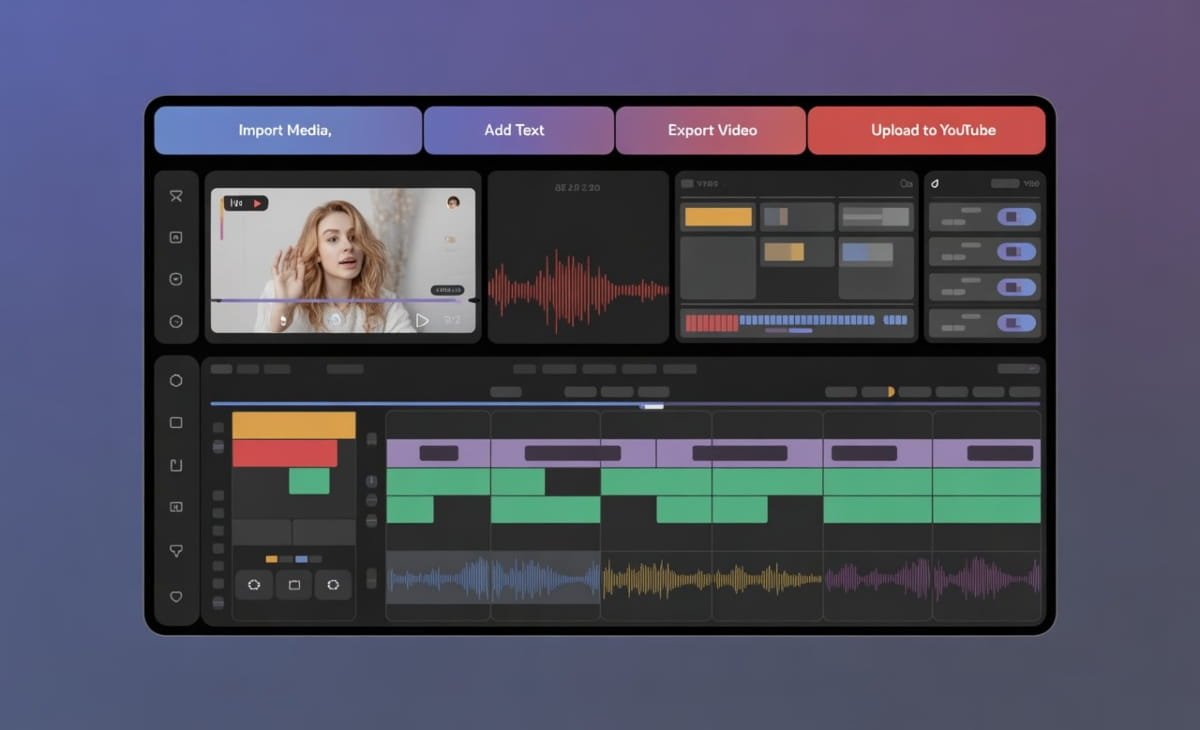

YouTube video production can be time‑intensive. From scripting and shooting to editing and publishing, each step demands skill and attention. Whether you’re a seasoned creator, a small business owner, or someone trying to grow a channel, the process can sometimes feel overwhelming. The good news? Artificial intelligence (AI) is transforming this workflow, helping creators produce content faster, smarter, and with less technical hassle.
In this article, we’ll explore some of the best AI tools that can speed up your YouTube video production — helping you focus more on your creative ideas and less on repetitive tasks. At the top of this list is a tool that brings AI right into your editing workflow and makes the entire video creation process more accessible.
Top AI Tools for YouTube Video Production
Here’s a curated list of powerful AI tools that can help elevate and streamline your YouTube workflow:
1. Invideo – Best All‑in‑One AI YouTube Creator
When it comes to creating and editing YouTube videos faster, invideo stands out as a comprehensive choice. It’s AI YouTube video generator lets you transform ideas into finished videos with minimal effort. Designed for creators of all skill levels, invideo combines AI automation with intuitive editing controls so you can produce professional content without needing advanced technical skills.
Whether you’re creating tutorials, product videos, listicles, or daily vlog content, invideo’s tools help you quickly generate and customize video elements. Built‑in features like voiceovers, motion graphics, text animation, and royalty‑free media keep your content visually engaging and ready to publish. The user‑friendly interface makes it easy to preview changes, trim scenes, and tweak effects without a steep learning curve.
2. Descript – AI Transcription and Editing Powerhouse
Descript is a favorite among podcasters and creators who use long-form footage. Its game‑changing feature is AI‑powered transcription. Once your video is transcribed, you can edit your video like you would a text document — cut and move sections simply by editing the written text.
This makes removing filler words, trimming pauses, and rearranging story sections incredibly fast. Descript also offers voice cloning and overdub features, making it easier to correct narration without re‑recording audio. For YouTubers who rely on interview content, tutorials, or educational videos, this level of automation is a major time saver.
3. Pictory – Turn Long Videos into Shareable Shorts
Video creators often have hours of footage that can be repurposed into short, engaging clips for social platforms. Pictory uses AI to automatically extract key moments from longer videos and turn them into short reels, trailers, or highlight clips.
This is especially useful for YouTubers wanting to share content on Instagram, TikTok, Facebook, or YouTube Shorts. Instead of manually searching for edit points, Pictory’s AI identifies highlights and assembles clips that maintain context and relevance. It also offers automatic captioning and branding options, removing much of the repetitive work that usually comes with repurposing video content.
4. Veed.io – Simple Yet Smart Video Editing AI Tools
Veed.io is a browser‑based video editor with AI tools that help with subtitling, audio clean‑up, and automatic scene detection. Its auto-subtitles feature is perfect for YouTube creators who want to improve accessibility and watch time without spending a ton of extra time.
The platform’s AI audio cleanup helps reduce background noise and improve narration quality with a single click — a huge help for creators recording in non‑studio environments. These tools allow for a smoother workflow when preparing videos for publication.
5. Runway – Creative AI for Advanced Effects
Runway specializes in creative AI tools that go beyond basic editing. It includes capabilities like background removal, object tracking, and inpainting, allowing creators to fine‑tune visual elements without needing complex software like After Effects.
For YouTubers who want cinematic B‑roll, creative transitions, or visual effects that enhance storytelling, Runway’s tools provide a balance between automation and artistic control. While more advanced than basic editors, Runway’s interface still makes many difficult edits significantly easier.
How AI Transforms YouTube Video Workflows
To appreciate the impact of AI tools on YouTube content creation, it helps to understand how they shift traditional bottlenecks. Here are a few areas where AI has made a noticeable difference:
Faster Editing and Trimming
Instead of manually scanning through footage, AI can identify spoken parts, emotional highlights, or action scenes — helping you find moments worth keeping. This reduces hours of editing work to minutes.
Automated Captions and Subtitles
Captions not only improve accessibility but also contribute to better engagement and search performance. AI creators like Descript and Veed.io automate this entirely, saving time and improving consistency.
Consistent Branding
AI tools often let users save presets like intros, outros, fonts, colors, and overlays. This ensures consistent branding across all videos while cutting down repetitive setup time.
Smart Recommendations
Some AI platforms analyze your content and suggest edits — whether it’s trimming a segment, adding an annotation, or adjusting pacing.
Practical Tips for Using AI Tools in YouTube Production
If you’re ready to embrace AI in your YouTube workflow, here are some practical tips to make the most out of it:
1. Start With a Script or Outline
AI tools work best when you give them clear guidance. Before you record or upload footage, have at least a basic script or outline ready. This helps AI engines produce better captions, summaries, and scene suggestions.
2. Let AI Handle the Mundane Tasks
Tasks like removing background noise, adding subtitles, and trimming silences are time‑consuming but not creatively demanding — let AI handle them so you can focus on storytelling.
3. Use AI to Expand Reach
Don’t just create full‑length videos. Use AI to automatically create short clips for Instagram, TikTok, and YouTube Shorts from the same footage. This increases exposure without much extra work.
4. Humanize Your Videos
AI speeds up production, but human input still matters. Always review and refine AI edits to ensure tone, pacing, and messaging align with your brand.
The Future of AI in YouTube Content
AI tools are evolving quickly, and today’s platforms barely scratch the surface of what’s possible. In the near future, we’re likely to see:
🔹 Real‑time editing suggestions while filming
🔹 AI co‑directors that help plan shots based on scripts
🔹 Emotion‑based clipping that prioritizes strong audience engagement moments
🔹 Enhanced collaboration tools where AI helps multiple creators work seamlessly
For YouTubers, this means less time lost to editing software and more time for ideation, strategy, and creativity.
Final Thoughts
YouTube content creation can be both highly rewarding and demanding. With daily publishing expectations and evolving audience preferences, having the right tools in your arsenal makes all the difference. AI video creator like invideo and other tools mentioned in this article are not just innovations — they are becoming essential parts of the workflow.
By integrating AI into your editing and production process, you can save significant time, maintain consistent quality, and focus more on what truly matters: your creative voice and connection with your audience. Whether you’re a beginner or a seasoned creator, embracing these AI tools will help you stay efficient, relevant, and competitive in the fast‑moving world of YouTube content.