

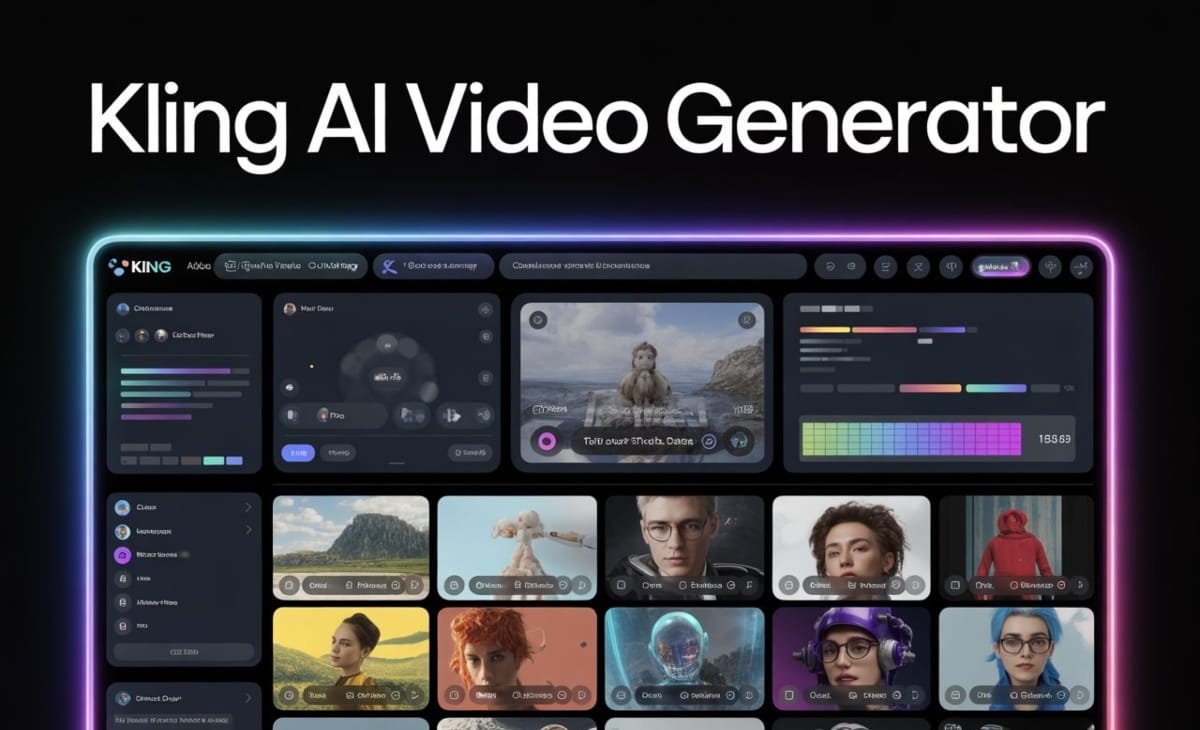

Video has become the most effective way to communicate ideas online. From brand storytelling and product launches to social media content and ad campaigns, creators and marketers rely heavily on video to capture attention and drive engagement. However, producing high-quality videos has traditionally required time, technical skills, and expensive tools. This is where AI video generation is reshaping the creative process.
The Kling AI Video Generator stands out as one of the most advanced AI models designed to turn written ideas into cinematic-style videos. What makes it even more accessible today is that creators can now use Kling directly within invideo, making high-end AI video generation easier to use inside a familiar creation workflow.
This article explores the top features of the Kling AI Video Generator and explains how creators and marketers can access and use these capabilities directly through invideo.
What Is the Kling AI Video Generator?
Kling AI Video Generator is an advanced AI model built to create realistic, visually rich videos from text prompts. Instead of editing timelines, managing footage, or animating scenes manually, users describe what they want to see, and the AI generates video sequences that reflect motion, depth, lighting, and storytelling flow.
The model focuses on realism and cinematic quality, making it useful for marketing videos, concept visuals, branded storytelling, and social media content. Kling’s ability to interpret prompts into detailed visual scenes makes it a powerful option for creators who want polished output without traditional production complexity.
Kling AI Video Generator Is Now Available on Invideo
One of the most important developments for creators is that the kling ai video generator is now accessible directly on invideo. This means users no longer need to rely on separate tools or workflows to experiment with Kling’s video generation capabilities.
Inside invideo, creators can use Kling to generate videos from text prompts and then continue refining those videos using invideo’s broader editing environment. This includes adjusting scenes, adding music, captions, overlays, and formatting content for different platforms.
By offering Kling within its platform, invideo allows creators to move seamlessly from idea to final video without switching tools. This is especially helpful for marketers and content teams who need speed, consistency, and flexibility in their video workflows.
1. Text-to-Video Generation
One of Kling AI’s core strengths is text-to-video creation. Users can describe a scene, action, or narrative using natural language, and the AI generates a corresponding video sequence.
This feature is ideal for creators who start with scripts, campaign copy, or story ideas. Instead of translating text into visuals manually, Kling handles that conversion automatically. When accessed through invideo’s AI video generator app, this generated video becomes the starting point of a complete editing workflow rather than a standalone clip.
2. Cinematic Motion and Visual Depth
Kling AI is known for producing videos with smooth motion, depth, and realistic transitions. Rather than static or slideshow-style output, the model focuses on cinematic movement, camera-like framing, and visually engaging sequences.
This makes Kling-generated videos suitable for:
- Brand storytelling
- Promotional visuals
- Product concept videos
- Creative social content
When creators generate these videos inside invideo, they can further enhance them with titles, transitions, and pacing adjustments to align with brand tone and platform requirements.
3. Scene Continuity and Structure
A common challenge in AI video generation is maintaining consistency across scenes. Kling AI addresses this by structuring videos in a way that feels cohesive rather than fragmented.
Scenes follow a logical progression, making the video feel intentional and story-driven. This is particularly valuable for marketers creating explainer-style content or creators building narrative videos.
Within invideo, this structured output can be reviewed and fine-tuned, giving users control over how each scene flows into the next.
4. Fast Iteration and Creative Experimentation
Another standout feature of Kling AI is how quickly creators can iterate. By adjusting a prompt slightly, users can generate different visual interpretations of the same idea.
This is especially useful for:
- Testing multiple creative directions
- Refining messaging
- Experimenting with tone and visuals
When used inside invideo, creators can compare outputs, select the strongest version, and then continue editing without restarting the process.
5. Multi-Use Content Creation
Kling AI videos aren’t limited to a single use case. Creators and marketers can generate content for:
- Social media platforms
- Digital ads
- Landing pages
- Campaign teasers
- Concept demos
Invideo makes it easy to adapt Kling-generated videos for different formats, including vertical, square, and widescreen layouts, helping teams reuse content across multiple channels.
6. No Advanced Technical Skills Required
One of the biggest advantages of accessing Kling AI through invideo is ease of use. Creators don’t need prior video editing experience or knowledge of complex AI systems.
The process is simple:
- Enter a text prompt
- Generate a video using Kling AI
- Edit and polish the output inside invideo
- Export and publish
This approach lowers the barrier to entry and allows solo creators, small teams, and marketers to produce high-quality video without specialized resources.
How Marketers Benefit from Kling AI on Invideo
For marketers, speed and consistency are critical. Kling AI helps generate visually compelling content quickly, while invideo provides the tools needed to align that content with campaign goals.
Common marketing use cases include:
- Creating ad visuals for social campaigns
- Producing branded story videos
- Generating product highlight clips
- Building creative assets for A/B testing
Because everything happens within a single platform, teams can move faster from concept to launch.
How Creators Use Kling AI for Content Growth
Creators focused on audience growth benefit from Kling AI’s ability to produce eye-catching visuals without heavy editing workloads. When paired with invideo’s editing tools, creators can:
- Add captions for better retention
- Adjust pacing for short-form platforms
- Maintain consistent branding
This makes it easier to publish content regularly without sacrificing quality.
Final Thoughts
The Kling AI Video Generator brings powerful text-to-video capabilities to techsharpy creators and marketers looking for cinematic, high-quality visuals. With its focus on motion, realism, and structured storytelling, Kling enables users to turn ideas into engaging videos faster than traditional workflows.
By making Kling AI accessible directly within invideo, creators gain the best of both worlds: advanced AI video generation combined with a full editing and publishing environment. This unified approach removes friction, saves time, and opens new creative possibilities for anyone producing video content today.
As AI video tools continue to evolve, having access to models like Kling inside a flexible platform gives creators and marketers a clear advantage in producing consistent, compelling visual content at scale.